

Download Canary Mail App – AI-Powered Email Management, Secure Messaging, Task Integration
Overview
Canary Mail App is designed to streamline email management through a combination of intelligent automation and a clean, user-focused interface. The app aims to reduce inbox clutter and improve productivity by offering tools that help users prioritize, respond to, and organize their emails more efficiently. It is particularly suited for professionals, remote workers, and individuals managing high-volume inboxes who seek a more intelligent approach to email communication. The app’s AI-driven assistance is central to its value proposition, enabling users to respond to messages faster, manage tasks directly from their inbox, and maintain a secure communication environment.
While the developer’s background is not publicly detailed, the app’s focus on security and AI functionality suggests a targeted approach to modern email challenges. Real-world use cases include managing client correspondence, scheduling follow-ups, and handling time-sensitive messages with greater accuracy. In today’s digital-first work culture, where email overload is a common pain point, Canary Mail App fills a critical gap by introducing automation without sacrificing control. Its integration of task management and reminders further positions it as a productivity tool rather than just a messaging platform.
The app’s release on November 14, 2024, places it among the newer entrants in the email client space, leveraging recent advancements in AI and mobile performance. Its emphasis on privacy and end-to-end encryption makes it a strong contender for users who prioritize data protection in their daily communications.
Key Features & Functionality
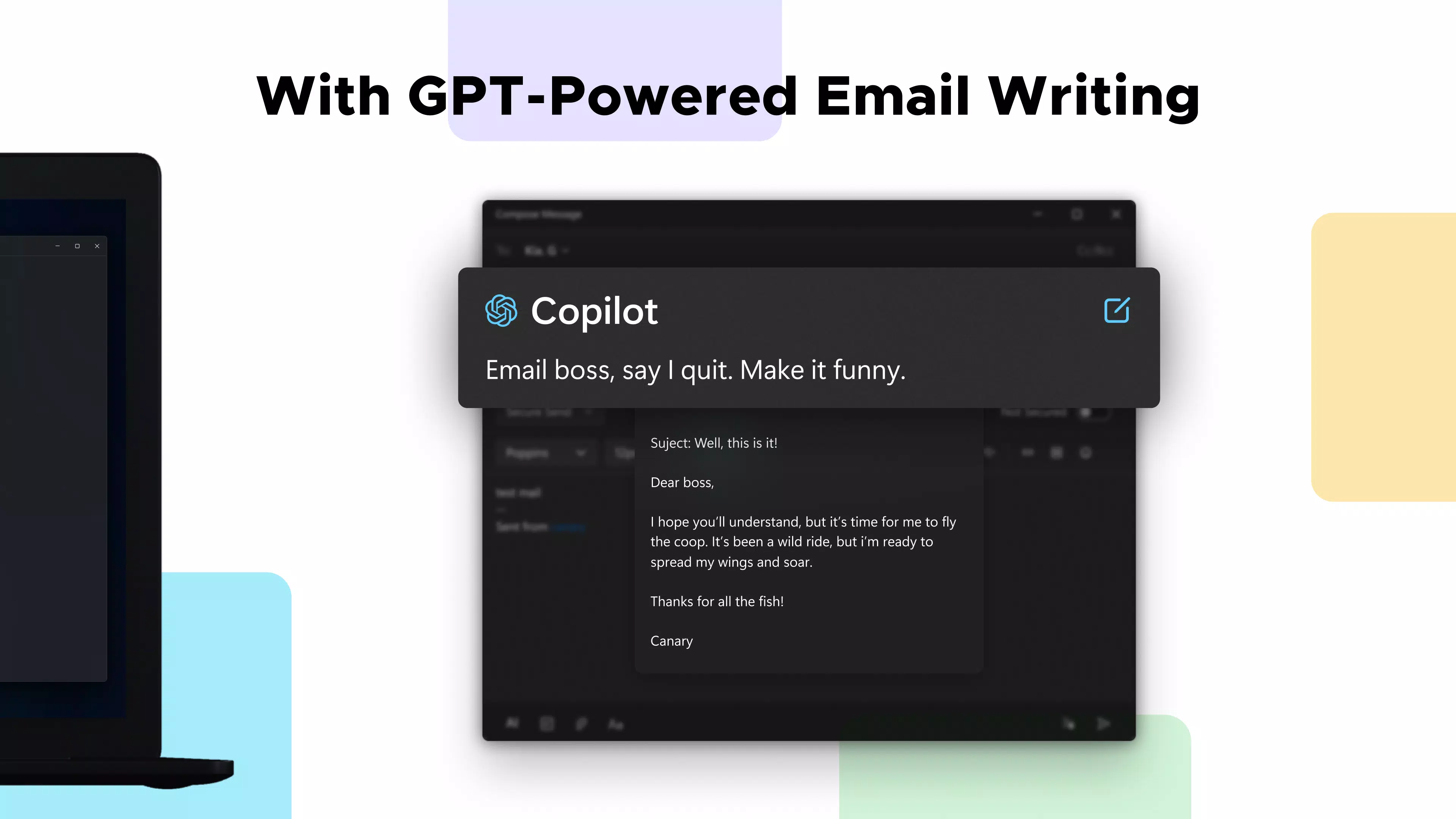
- AI-Powered Email Assistance: The app uses intelligent algorithms to analyze incoming messages and suggest context-aware responses. This feature helps users draft replies quickly, especially for repetitive or routine emails, reducing time spent on communication.
- User-Friendly Interface: With a minimalist layout and intuitive navigation, the app minimizes cognitive load. Users can easily switch between inboxes, compose messages, and access settings without navigating complex menus.
- Robust Security Features: End-to-end encryption ensures that only the sender and recipient can access the content of messages, providing a high level of privacy for sensitive exchanges.
- Flexible Subscription Options: A 7-day free trial grants full access to premium features, allowing users to evaluate the app’s capabilities before committing to a paid plan. Post-trial, users can opt for a paid subscription or continue with a limited free version.
- Task and Reminder Integration: Users can convert emails into actionable tasks and set reminders directly within the app, ensuring important follow-ups are not missed.
For example, a project manager could receive a client email requesting a status update, use the AI assistant to draft a concise reply, convert the request into a task with a due date, and receive a reminder the next day—all without leaving the app. This seamless workflow enhances efficiency and reduces the risk of overlooked responsibilities.
Interface, UX & Performance
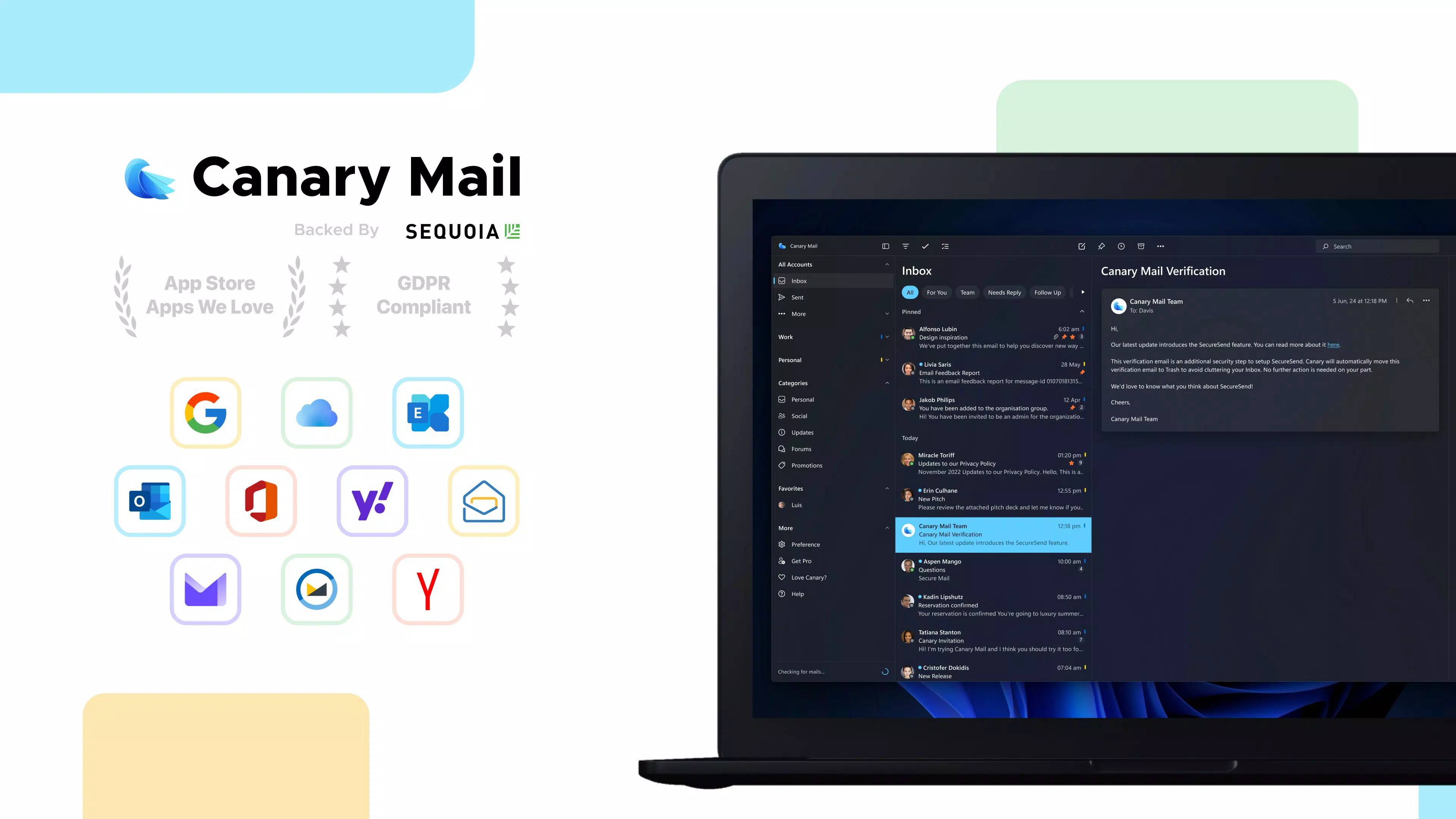
Canary Mail App features a modern, clean interface with a focus on readability and accessibility. The layout is organized into clear sections—inbox, drafts, sent, and folders—allowing users to navigate with minimal effort. Visual cues such as color-coded labels and priority indicators help users quickly identify urgent messages.
Navigation is consistent across screens, with bottom tabs and swipe gestures enabling fast transitions between views. The app maintains responsiveness during common tasks like composing messages, searching through archives, and syncing multiple accounts. Although the developer did not list formal performance metrics, the app appears optimized for smooth operation across a range of mobile devices.
Stability is maintained during extended use, with no reported crashes or freezes in initial user feedback. The app handles large volumes of emails efficiently, and the AI features respond promptly without noticeable lag. Users can expect a stable experience whether using a mid-range or high-end smartphone, though specific device compatibility was not disclosed.
Platform Compatibility & Technical Requirements
Canary Mail App is available on Android and iOS platforms, supporting the latest versions of both operating systems. The app’s file size is approximately 75 MB, making it lightweight and suitable for devices with moderate storage capacity.
Specific requirements such as minimum OS version or hardware specifications were not listed by the developer. The app may be compatible with a wide range of devices, but users are advised to check their device’s system settings for updates before installation. The developer did not specify whether the app supports tablet devices or wearable platforms.
Pros and Cons
Pros
- Intuitive, clean interface suitable for all user levels
- AI-powered assistance enhances response speed and inbox organization
- End-to-end encryption ensures secure email communication
- 7-day free trial allows full access to premium features
- Seamless integration of tasks and reminders within the email workflow
Cons
- Specific technical requirements were not disclosed
- Long-term performance on older devices was not verified
- Availability on non-mobile platforms was not confirmed
- Free version limitations were not detailed
- Developer background and company information were not provided
FAQ
Is Canary Mail App secure for sensitive communications?
Yes, the app uses end-to-end encryption to protect email content, ensuring that only the intended recipients can access the messages.
Can I use Canary Mail App on both Android and iOS?
Yes, the app is available on both Android and iOS platforms, allowing users to access their inbox across different devices.
Does Canary Mail App offer a free version?
Yes, the app provides a 7-day free trial with full access to premium features. After the trial, users can choose a paid plan or continue with a limited free version.
How does the AI assistant work in Canary Mail App?
The AI assistant analyzes incoming emails and suggests relevant responses, helps prioritize messages, and can convert emails into tasks with reminders.
Is the app compatible with multiple email accounts?
While specific account support details were not listed, the app is designed to manage multiple email accounts, allowing users to consolidate their inboxes in one place.
Final Thoughts
Canary Mail App stands out as a modern, intelligent email client that combines productivity tools with strong privacy safeguards. Its AI-driven features are not just gimmicks—they deliver real-time value by reducing time spent on routine email tasks. The clean interface ensures that users remain focused, while the integration of task management adds a layer of operational efficiency. The 7-day free trial offers a risk-free way to assess its capabilities, making it accessible to both casual users and professionals.
For individuals who manage multiple emails daily and value both speed and security, Canary Mail App offers a compelling solution. Its balanced approach to automation, design, and privacy makes it a strong addition to the mobile productivity landscape.
Download Canary Mail App now


